

This is 100% also Microsoft fault and they are to be held accountable for this. With many drivers it can happen that one manufacturer goes rogue, but Microsoft needs to have a zero tolerance policy for this: do it once and your signature is permanently revoked for all your drivers
As much as I’d like a bigger TV with OLED, I’ll be sticking with my old Toshiba dumb TV. It’s good enough and doesn’t even know the internet exists.
can’t wait to install one in the toilet and have them listening me fart all over the place
LG is on my permanent vendor shitlist for related reasons.
It’s pretty much impossible to buy a dumb TV nowadays. It’s much easier to disconnect a smart TV from the internet using a firewall.
Or don’t add it to your network
Jellyfin app works really well on LG TVs. I think it’s the app that gives me the least issues of all the ones I’ve used. I find it much easier to use than pluging in a laptop. In other scenario external computer may be the best option.
Not impossible, several options are still out there if you actually search for “non smart TV” on retailers’ websites.
Sceptre was one brand that made decent non-smart TVs but they seem to be vanishing off the market now. Many used ones still on ebay and other secondhand markets. Their website still shows a bunch of TV models but the retail links turn up empty.
I searched and didn’t find anything in Europe. And that was couple of years ago already. Maybe there are some sources I don’t know about but I didn’t find any in typical stores.
How can a monitor install stuff on a PC? Can you do that over hdmi/dp? Does it require usb?
Either way, this stuff should be illegal or at least require a much more explicit warning than hiding it in terms of service that nobody reads. And of course everybody would do well to avoid LG out of principle from now on.
Razer mice have some crapware that auto-installs on Windows now, through windows update. Their official driver that it downloads adds the crap and Microsoft just lets it do it all.
No such hassles on Linux though.
Windows update, by default, is set to automatically download and install the malware for them when the HDMI cable is connected to the computer, within less than a minute.
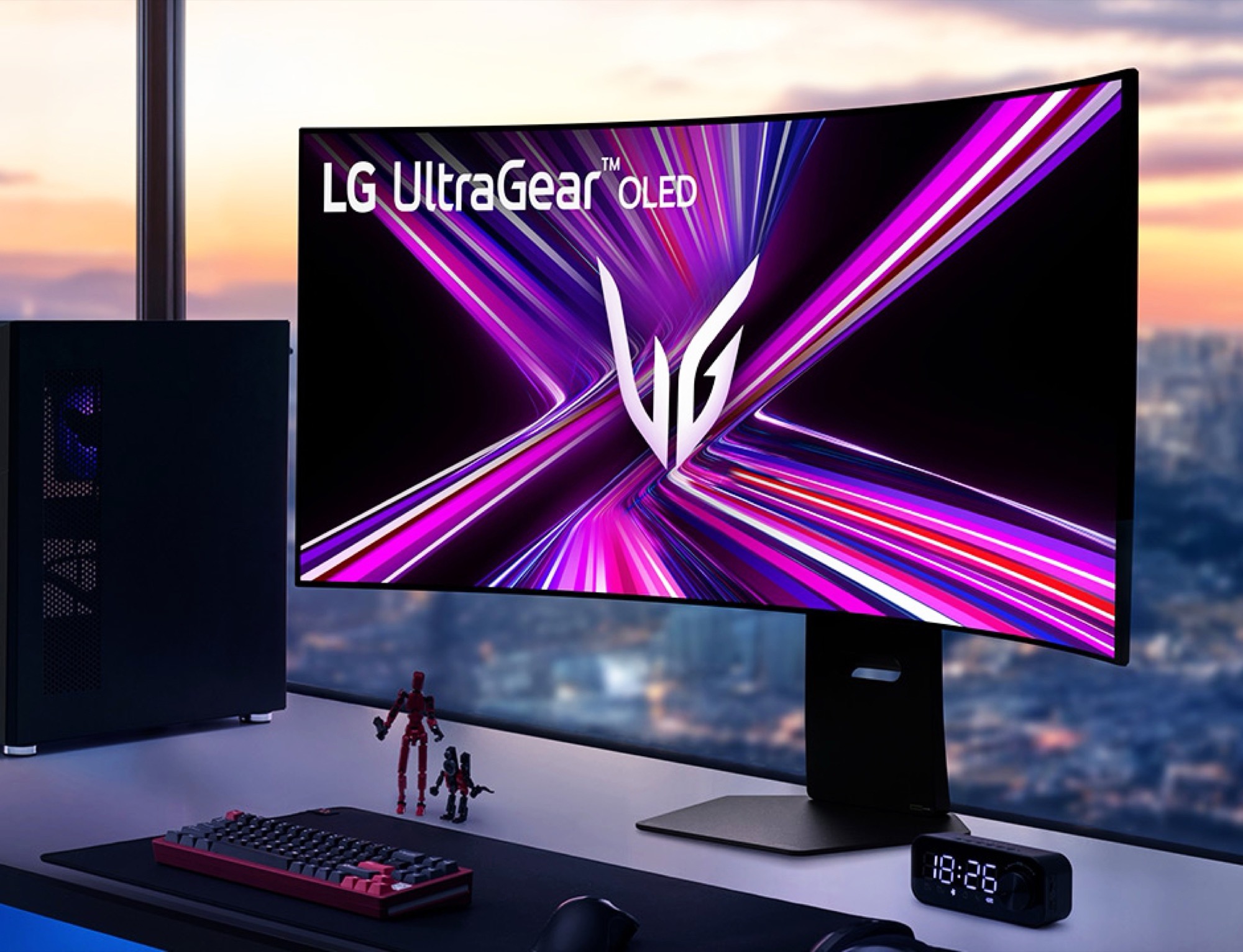
Saw the video by Gamers Nexus and basically Windows auto installs an LG Driver utility that has ads.
Never buy a “smart” appliance that you want a dumb version of.
That’s too bad because the monitors themselves are pretty good.
been a sceptre user for years
Time to add LG to the list of computer display OEMs I will avoid like the plague on principle.
cannot be that hard to disable the windows store
Laughs in Windows
Laughs in linux
Transcends in TempleOS
Laughs in Be OS
My lg TV is late 2024. When I first got and was setting it up, asked me to connect to the internet, something about benefits, AI. I was like are you insane TV? you will NEVER have access to the internet, this is exactly why my nvidia shield is locked in a old 8.9 version and pihole block all the things.
You should update the Shield. You’ll get security updates and the Pihole will remove ads.
After the dashboard change on my shield, I simply installed projectify as the new launcher. Now I only see what I want without ads.
Smart TV’s are such a dumb idea. Get an expendable side box that you have control over or can be disposed of when it enshitifies.
For the PC Monitor issue: To prevent this sort of behavior. Open Group Policy Editor Computer Configuration>Administrative Templates>System>Device Installation Prevent automatic downloads of applications associated with device metadata = Set to Enable.
To get rid of it once installed you have to remove it from the Windows Store since it’s an app, not an installed program. For me, this was not possible as there was no way presented to uninstall it in the app store. I had to do it from terminal with this command, which could vary a bit depending on the exact app version:
Remove-AppxPackage LGElectronics.LGMonitorApp_1.2606.1601.0_x86__cfnzzhwkr8z5w
Tried going through this with my grandma on video call. She asked: “why is there a police group in my computer?”
Keep in mind this will disable plug-and-play for other devices one plugs in.
Which is excellent, from a security standpoint, but something to be cognizant of.
store apps can also be uninstalled from the settings app.
for the first setting, it’s easier to turn that and more off with o&o shutup10
store apps can also be uninstalled from the settings app.
Also using winget.
My LG tv is too old for this shit. But it does not get ethernet or wifi password just in case they decide to update the firmware


