I have the opposite problem on my windows pc, it takes so long to boot that the monitor goes into standby before it boots again
WIndows is bloated, especially if there are updates involved. However, how old is the hard drive it’s on? Not only tech age, but perhaps there are some read errors occurring to cause rereading that you aren’t seeing because it finally works. Also, if it is a hard drive upgrading to SSD is huge as well.
Y’all actually use Gentoo, I thought is was just a joke
I mained it for a year but not all beauty is worth pain.
not all beauty is worth pain

What pain? I’ve only managed to break it ignoring news and config changes or playing with experimental packages and my own patches.
Otherwise it should be install and intervene in an update twice a year to dispatch-conf.
It is very stable and I like that when an update breaks it fails to build rather than failing down the road during runtime, but I never quite got the hang of running
-9999packages (Gentoo’s-gitequivalent), which I like running on Arch. Also in general getting new updates quicker and just having a bigger library of packages and the AUR available, since it was kinda getting old coming across software I use or wanna use that has no ebuild available and having to make my own.Have you considered nixOS? It’s very good at dealing with failures during updates, allows you to revert to previous generations if something does go wrong, and makes it fairly easy to install packages from git like normal packages (even the main package store for nix is just a git repo)
I don’t know about Gentoo, but as a serial dual booter I know this pain well.
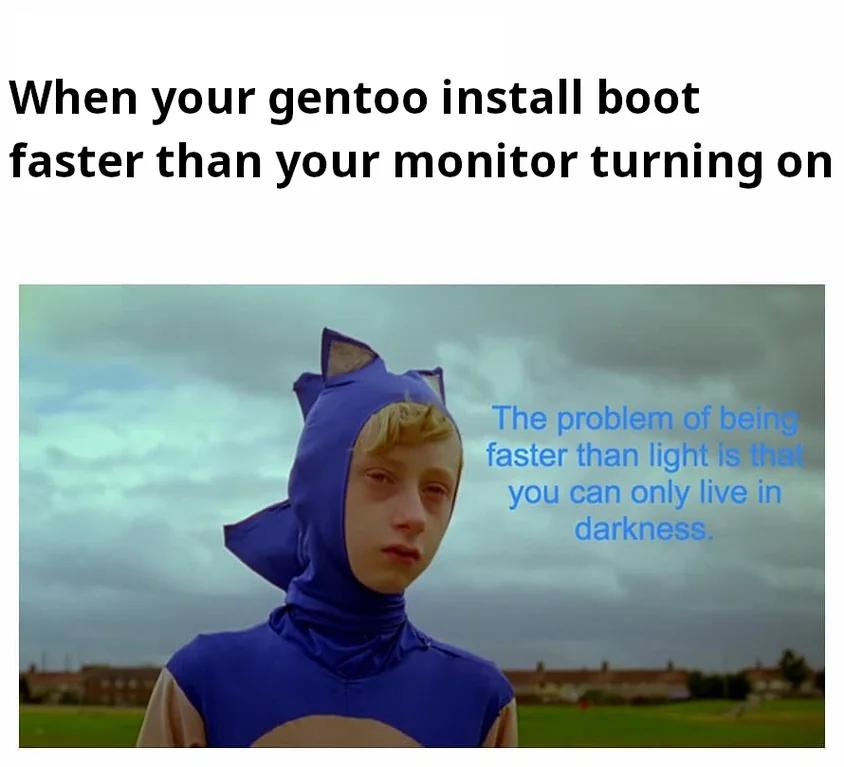
I swear about two thirds of the time going through grub on every boot adds to the process are waiting for my monitor to figure itself out. Half the time it doesn’t get there on time at all.
If your mobo has an efi bootloader, which now-a-days almost all are, make sure grub is also an efi image and don’t allow the early boot to take control of the frame buffer.
Setting these flags for the bootloader, grub in your case, should make sure the monitor only does a single initialize.
GRUB_TERMINAL_OUTPUT=gfxterm
GRUB_GFXPAYLOAD_LINUX=keep
Source: just went through something similar and was annoyed that the monitor would take forever to start.
When you have a Samsung monitor, even windows boots faster